Your Print On Demand Setup, Done In One Afternoon
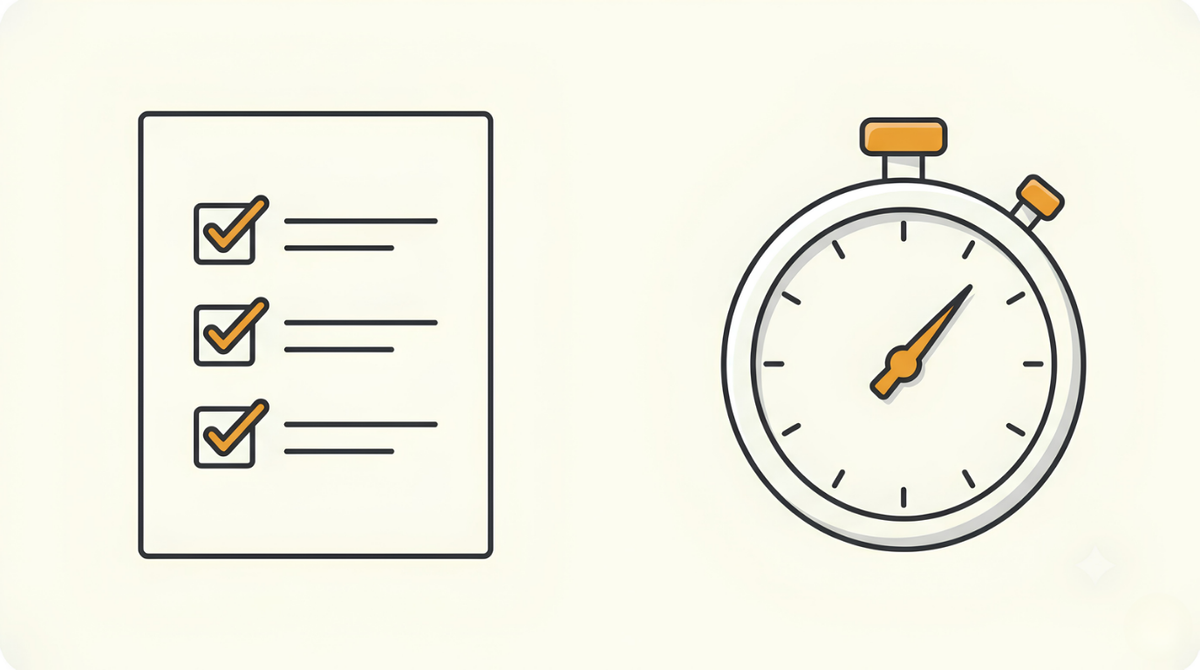
Starting print on demand takes one afternoon of setup, and then it gets fast. The first run is the only slow one. You open a few accounts, make a couple of choices, and design one thing by hand. After that, the same work that filled an afternoon takes minutes.
There are a dozen ways to do each piece of this. I'm going to give you one, the simplest one, so you finish your it quick instead of drowning in options.
What you need to open
Three accounts. That's the whole list. Amazon is where you sell, your supplier prints and ships each order, and Canva is where you design. Open all three today.
Amazon Seller account. Get on the Professional plan. While you're in there, request something called a GTIN exemption. A GTIN is the barcode every product on Amazon normally needs, and the exemption lets you skip buying one for your own designs. Start this part first. Approval and the exemption both take a few days, so kick it off now and let it run in the background while you do the rest. The exact steps to request the exemption are here.
💡 Do this first. The Amazon approval and the GTIN exemption both take a few days, so start them before anything else and let them process while you design.
Printify. This is your supplier, whoever prints your design and ships it to the customer. You never touch the product. Pick any supplier you like, with one rule: it has to integrate with Amazon, so orders flow straight through without you in the middle. If it offers an API key, even better, you'll use that later when the automation takes over. I won't tell you Printify is the only choice, because there isn't a "best" one. It's just the one I use, and I stay with it for the mix of price, shipping, and print quality. Pick what fits you. If Printify turns out to be your pick, you can sign up through Printify here.
Canva. Canva is where you design, and it's the simplest program I know. Get Pro specifically, not the free tier. The reason is the transparent background: exporting your design with no background, so it sits cleanly on the product instead of inside a white box. That lives behind Pro. There's a free trial, so you can start without paying anything up front. Better to be on Pro now than hit a wall later.
Three choices to make before you design
Setup isn't only accounts. A few quick decisions shape everything you make: what you'll sell, and what you'll charge.
Pick one product. Don't overthink it, there's no wrong answer here. Pick one simple product with no variations. A mug over a t-shirt, because a mug has no sizes to juggle and a shirt does. If you want to compare what's trending, Google Trends will show you which product types are climbing. But honestly, choose one and move. You start with a single product type, and you add more once the first one works.
Set your price. You're playing a different game than most sellers: posting a huge range of products, not fighting for the top spot on a single one. That only works because of the route you're on, where listing as many products as you want costs one flat fee. So your price doesn't need to be razor-sharp against every rival. My rule is simple: aim for about $10 profit per item, after you account for your supplier's landed cost (the all-in total to make and ship one unit) and Amazon's platform fee, which changes by product category, so check the rate for what you're selling.
Here's why it's worth getting right. A hundred locations on one product is a hundred designs. Later, a thousand locations across ten product types is ten thousand products, all grown from the same idea. Turning one design into that many is the automation's job, not yours.
Decide what you'll swap. Your design gets built around a single word you can change out, so you need to know what that word is. Locations are the easy pick: cities, states, countries. Settle on a category, then build the list now. Pull together about a hundred popular ones however you like, a quick Google search, an AI prompt, whatever's fastest, and keep that list saved somewhere. You'll feed it straight into the design step later.
Before you save it, trademark check the words. You don't want to be selling an IP-protected name by accident, since even a place name can be tied to a brand. Run them through the USPTO's free tool, TESS. It covers the US market, so if you sell on a different Amazon marketplace, check that country's trademark office instead. Most place names come back clear, but the scan is worth the minute.
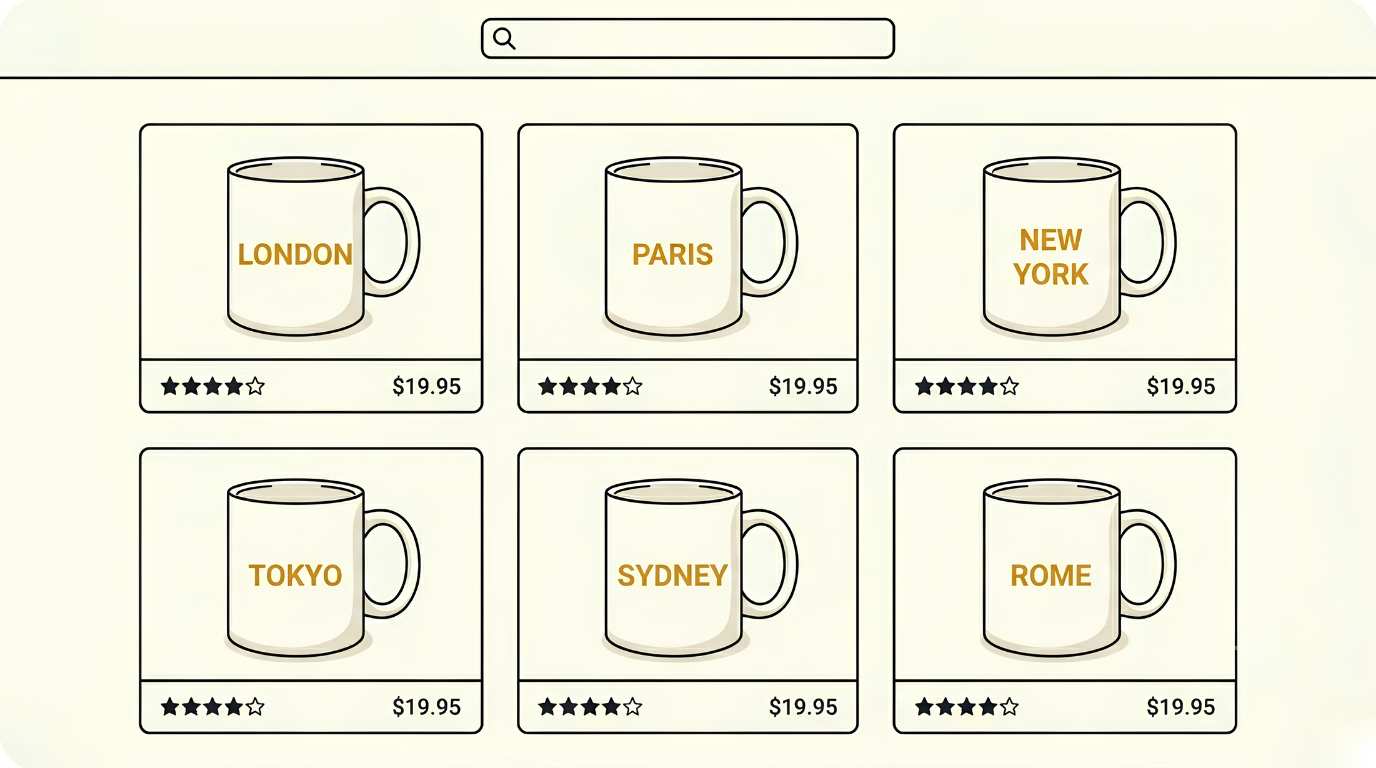
Here's why it's worth getting right. A hundred locations on one product is a hundred designs. Later, a thousand locations across ten product types is ten thousand products, all grown from the same idea.
The category you pick today is the seed for all of it.
And that's the setup. Three accounts open, a product picked, a price work, and a list of niches. None of it took more than an afternoon, and you only do it once.
Everything you build from here stands on these few choices. Get them right and the rest has something solid to run on.
The slow part is behind you.
Talk soon,
Nick T


